Assessors, Supervisors and Educators Knowledge Hub
Library resources
The Library has a wide range of medical, nursing and AHP textbooks covering all clinical specialties. We also have books on non-clinical subjects such as mentoring, coaching, leadership, doing research and more. All trust staff and learners are able to join the library. If you are unsure where to start we will be happy to help you.
|

|
UpToDateUpToDate is an evidence-based decision support tool which is available to all Trust staff. It includes over 11,000 clinical topics, drug information, practice-changing updates and much more. Access from work by clicking the UpToDate link in the Start Menu, or from anywhere with your NHS Athens account.
|

|
Royal Marsden ManualThe Royal Marsden Manual of Clinical Nursing Procedures is available to borrow from the library and also available as an e-book. Access from hospital computers without needing to login - open the Start Menu on the PC and scroll down the list of programs to the Royal Marsden. Access from elsewhere with an NHS Athens username and password.
|

|
|
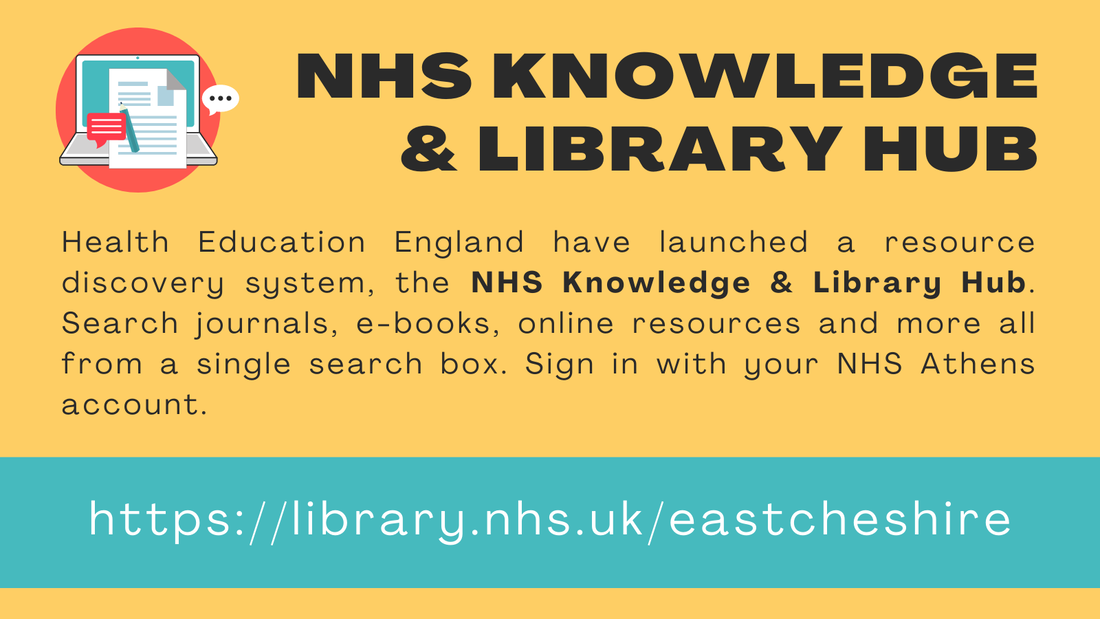
Click here to access the NHS Knowledge & Library Hub!
|
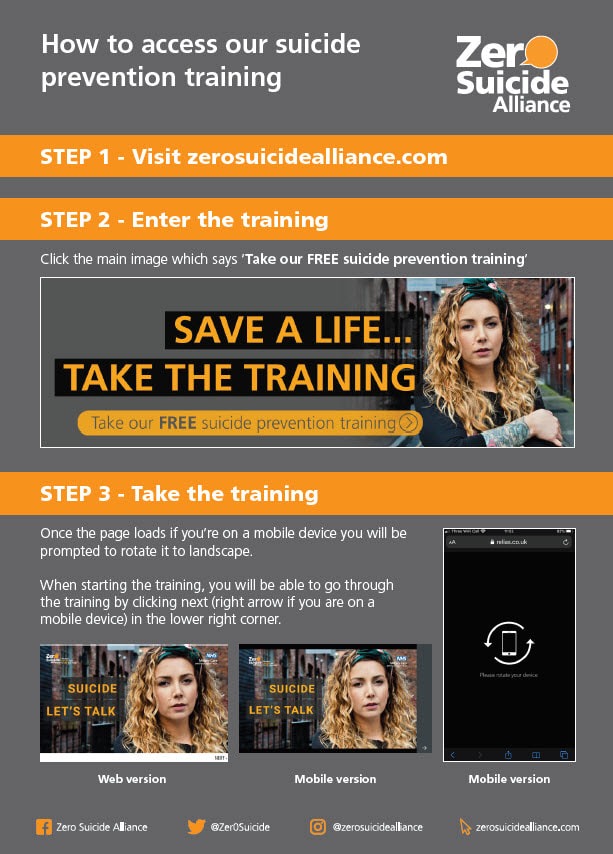
|
Web resources
Keep up-to-dateKnowledgeShare is our targeted current awareness service. Alerts are emailed out every fortnight. Your KnowledgeShare profile can be created to be as broad or specific as you need, and can be updated if your interests change. It can include non-clinical topics such as leadership, management, coaching, and research, as well as clinical conditions.
|
Healthy EnglishThis resource has been developed by East Cheshire NHS Trust to address the language and communication needs of international health and care staff and their colleagues working in the UK. There is a range of activities and explanations to help you develop appropriate language and communication skills for the health and care context.
|
Apps
|



Student and Educator Support in 2024


|
NEW Thursday ‘drop-in’ sessions
Practice Education Facilitators (PEFS) will be available to support students and educators face-to-face. Come and see us for a catch up and chat. Every Thursday in the library, 11 a.m. – 1 p.m. Weekly Placement Visits
Practice Education Facilitators visit placement areas face to face and ‘hands-on’ to support students and educators. Every Monday, Tuesday, and Friday. |
Useful information about placements and apprenticeships
|
Students are asked to contact their placement before their start date and ask for any pre-reading or bespoke welcome information and resources that may support them.
If they need any contact details for their placements they can contact any of the PEF team below:
If they need any contact details for their placements they can contact any of the PEF team below:
For community placements, learners will need an NHS.net email and Windows domain account. Having a Windows domain account means they can access PCs associated with East Cheshire NHS Trust, including Macclesfield District General Hospital (MDGH), the library drop-in PCs and community placements. Community Physiotherapy and Occupational Therapy placements also require EMIS access and training. Please request EMIS access here.
Please ask any of the PEF team for the bespoke pre-placement student induction and welcome packs for learners who have a forthcoming community placement at:
Please ask any of the PEF team for the bespoke pre-placement student induction and welcome packs for learners who have a forthcoming community placement at:
|

|
The packs include information about each base, travelling and parking, pre-reading, and information about community placements at East Cheshire NHS Trust as a whole.
Student support and training events |
The calendar does not display in Internet Explorer. Copy the webpage address and open the page in Chrome, Edge or other modern browser.